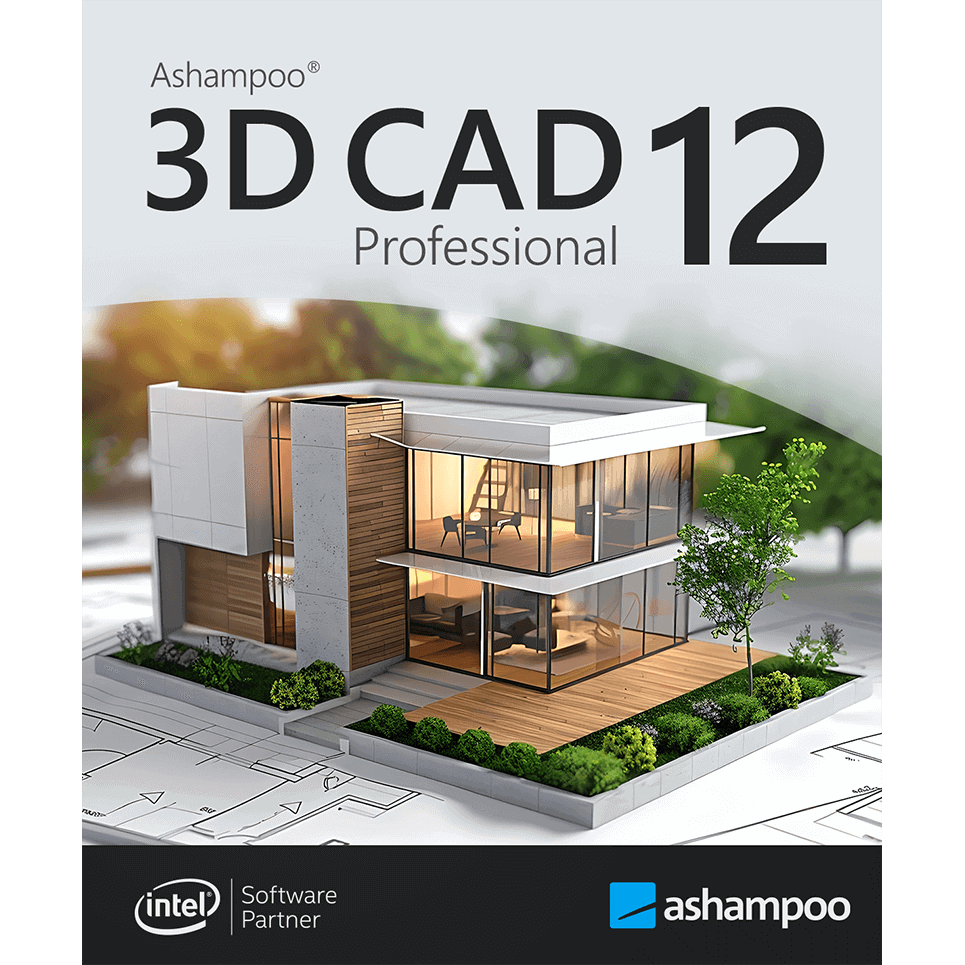
The all-inclusive professional design software — from layout plans to interior design!
Ashampoo® 3D CAD Professional 12 is the ideal solution for architects, designers, and discerning homeowners who want to bring their ideas to life with maximum precision. The software combines advanced technology with practical tools to create accurate floor plans, realistic 3D visualizations, and detailed technical designs. Whether it's precise electrical schematics, customizable doors and windows, tailored 3D objects, or extensive object catalogs, this comprehensive CAD solution puts you in control of every aspect of your planning. Even complex construction projects can be executed efficiently and reliably. From the initial sketch to the final presentation, Ashampoo® 3D CAD Professional 12 assists you with smart features and a powerful drawing engine.
Powerful electrical planning assistant included!
Electrical planning has never been easier: with the new assistant, you can place sockets, switches, and lamps exactly where you need them, with just a few clicks. Choose from predefined room types and equipment configurations, or create your own templates. The assistant automatically analyzes your rooms and suggests optimal locations, saving you time and avoiding errors. Whether you are a beginner or a professional, this feature makes electrical planning faster, easier, and more intuitive!
Customization and full control over electrical symbols
In addition to the built-in symbols, you can add and manage your own electrical symbols. Use custom directories to integrate personalized elements directly into your plans. The assistant automatically creates a dedicated layer for electrical symbols, allowing you to display or hide the entire electrical installation with a single click. You can also manually move, rotate, and adjust all symbols, for maximum flexibility and precision! The assistant even automatically enriches your planning with a list of all electrical components used in your project.
New doors and sliding doors ‒ more design flexibility for more realistic drafts
New door models offer you even more creative options. Additional innovations: Doors with asymmetrical wall openings. You can now realistically represent sliding doors with rail systems and without bothersome overlaps. This increased flexibility allows you to design your floor plans with even greater precision and individuality, perfect for modern open concepts and advanced architectural projects!
-
Automatic save or manual save reminders
-
Context menu with cut, copy, paste functions
-
Practical program help with direct links
-
Program wizards for wall modifications
-
Edit and transfer wall layers
-
Edit the structure of multiple wall layers
-
Copy buildings between projects
-
Transfer floors between buildings and projects
-
Copy slides
-
Edit the 2D display of slides, e.g., for construction, renovation, or demolition projects
-
Adjust the print order of slides
-
Powerful analysis and correction functions for floor plans
-
New triangular 2D element
-
Faster 2D DXF/DWG preview dialogues
Powerful design and construction tools
Digital input tools are the ultimate solution for precise planning, which is why the program places a strong emphasis on this aspect! Dedicated input modes for walls, windows, and doors significantly simplify your work, while digital editing tools for these same areas add more precision and flexibility to your projects. With custom components for windows and doors, roller shutter boxes, blinds, and borders, the design and construction section is a true highlight of the software!
Extended object catalogs
Ashampoo® 3D CAD Professional is also popular due to the large number of included 3D objects. Choose from a variety of suitable 3D objects and over 250 ready-made object groups in the object catalog! The catalog includes groups filled with pre-designed garages, kitchen lines, garden houses, and saunas, among others. Create your own catalog directories and use them directly in the catalogs — it couldn't be more convenient! A program that sets virtually no limits for you or your projects!
Less is more?
Perfect, then our Ashampoo® 3D CAD Architecture is for you! You don't need to import/export 2D DXF/DWG files or export Maxon Cinema 4D files, and you don't want to build windows yourself? But you still want a comprehensive and full-fledged CAD application? Then the more affordable Ashampoo® 3D CAD Architecture is the ideal solution for you! After all, why should you pay for high-level professional features that you won't use anyway? Check out the comparison matrix and find the solution that suits you!
Comfort and compatibility
Ashampoo 3D CAD Professional 12 is fully compatible with Windows 10 and Windows 11, for smooth and optimized use on the latest systems.